Introduction: Understanding Continuous Glucose Monitoring With Ottai
Continuous glucose monitoring (CGM) offers a way to observe glucose levels throughout the day and understand how they change in response to everyday activities.
Unlike traditional finger-prick testing, which provides a glucose reading at a particular moment, a CGM continuously collects glucose information and displays trends over time.
This can be especially useful when exploring how meals, exercise, sleep, and daily routines influence glucose levels.
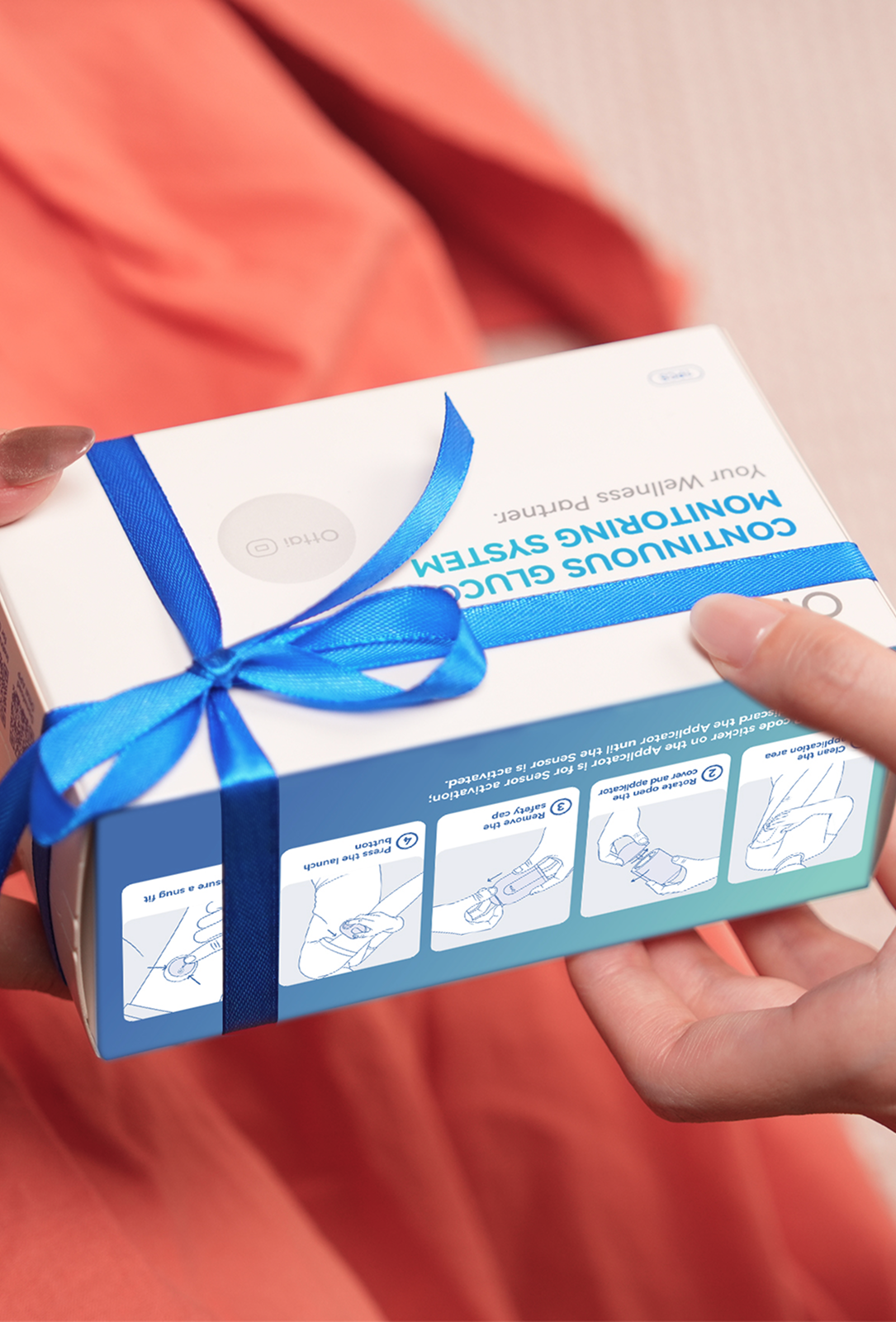
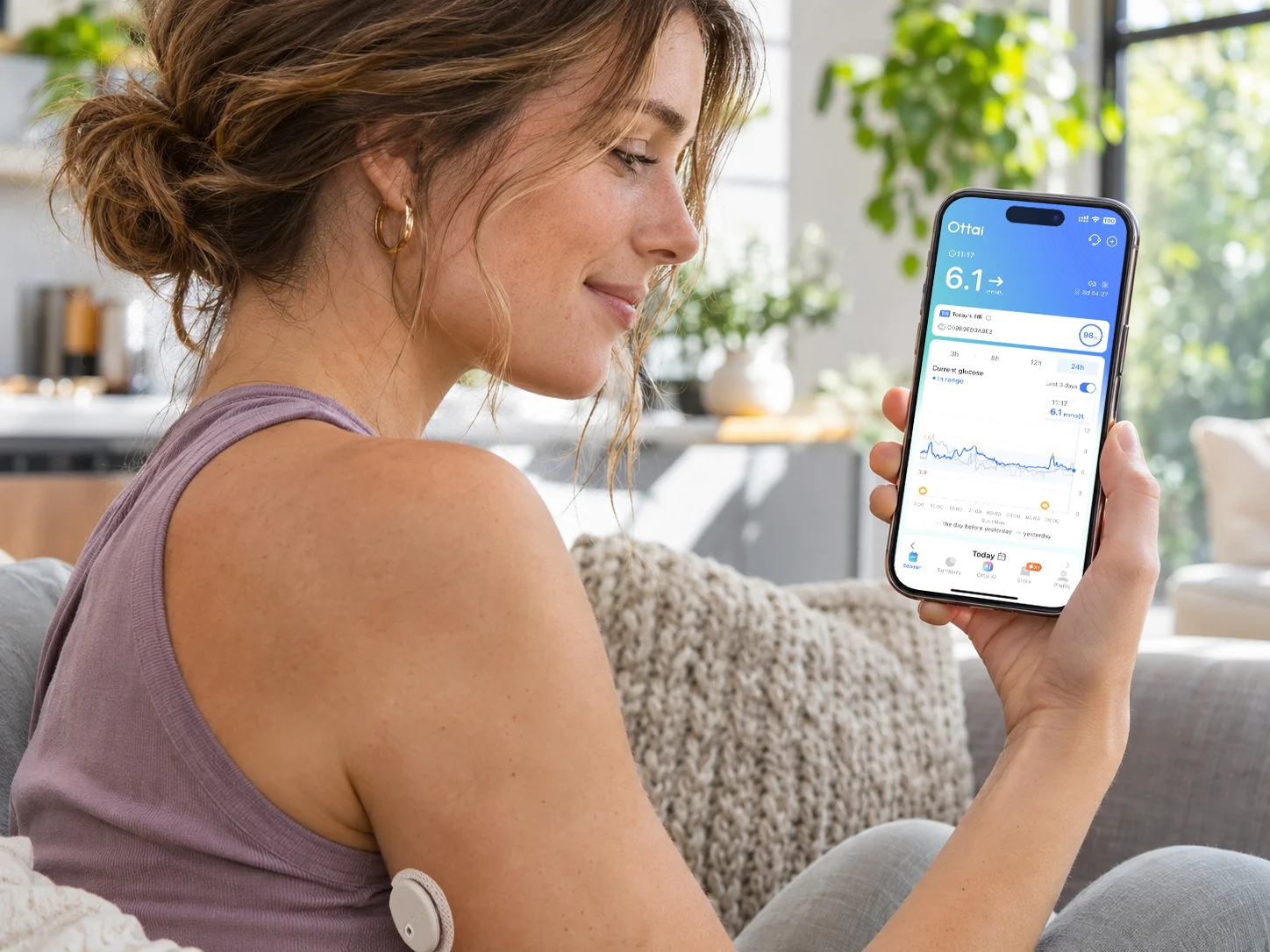
Ottai CGM combines a wearable glucose sensor with a mobile application, allowing users to check their readings, review trends, and access glucose reports.
However, if you are new to CGM technology, you may have questions about how the sensor works, how long it lasts, whether it is comfortable to wear, and how to interpret the information.
Here are 10 common questions about Ottai CGM, with practical explanations to help you better understand continuous glucose monitoring.
1. What Is Ottai CGM and How Does It Work?
Ottai CGM is a continuous glucose monitoring system designed to provide ongoing glucose information through a wearable sensor and a compatible mobile application.
The sensor contains a small sensing filament positioned beneath the skin. It measures glucose in the interstitial fluid, which surrounds the body's cells.
The sensor sends glucose information to the Ottai App, where users can view their current readings and follow trends throughout the day.
Unlike a conventional blood glucose meter, which requires a blood sample for each measurement, a CGM collects glucose information repeatedly over an extended period.
This allows users to observe how glucose levels rise, fall, or remain relatively stable.
However, CGM readings are estimates of glucose levels in interstitial fluid. They should not be understood as instantaneous measurements of glucose directly from the bloodstream.
2. Who Can Benefit From Continuous Glucose Monitoring?
CGM technology can provide valuable information for people who need to monitor glucose regularly.
According to the Centers for Disease Control and Prevention (CDC), CGM may be especially useful for people living with type 1 diabetes, people with type 2 diabetes who use insulin, and individuals who have difficulty managing their glucose levels.
Continuous monitoring can also provide information about how glucose responds to meals, physical activity, and other daily routines.
For example, someone managing diabetes may want to understand whether their glucose frequently rises after breakfast or decreases during an afternoon walk.
By reviewing glucose trends over several days, they may identify recurring changes and discuss them with their healthcare professional.
However, CGM suitability depends on individual needs and the intended use of the specific device.
Before using Ottai CGM, check the approved indications and instructions for your sensor model and country.
3. How Long Does an Ottai CGM Sensor Last?
One of the most common questions about continuous glucose monitoring concerns sensor wear duration.
Ottai's product website advertises a 14+1-day monitoring feature, while some published Ottai user instructions specify a 14-day sensor operating period.
For this reason, users should confirm the exact monitoring duration supported by their particular sensor model.
During the permitted wear period, the sensor collects glucose information without requiring a new sensor to be applied every day.
The Ottai App helps users monitor their sensor session and check relevant device information.
When the sensor reaches the end of its authorized monitoring period, follow the replacement instructions provided with the product.
A disposable CGM sensor should not be reused or worn beyond its permitted operating period.
If you have questions about sensor expiry, remaining wear time, or replacement, contact Ottai Customer Support through the Ottai App.
4. How Often Does Ottai CGM Update Glucose Readings?
Ottai CGM is designed to provide glucose data updates approximately every five minutes during normal operation.
This can generate up to 288 glucose readings over a 24-hour period.
Instead of showing only a single glucose measurement, continuous monitoring allows users to observe how glucose levels change throughout the day.
For example, a reading of 115 mg/dL may appear alongside a trend indicating whether glucose has recently been rising, falling, or remaining relatively stable.
These patterns can provide useful context when interpreting glucose information.
However, CGM readings may not reflect rapid changes in blood glucose immediately.
Because the sensor measures glucose in interstitial fluid, a delay can occur between a change in blood glucose and the corresponding change shown by the CGM.
This difference may become more noticeable after meals or during exercise.
Understanding this limitation can help users interpret their readings more appropriately.
5. How Do You Apply an Ottai CGM Sensor?
Correct sensor application is important for comfortable wear and reliable monitoring.
Ottai provides an official user guide and instructional resources to explain the application process.
The published guide describes applying the sensor to the rear area of the upper arm, although users should always follow the approved application instructions for their specific model.
The general preparation process involves:
- Selecting an approved application site.
- Avoiding unsuitable areas, such as scars, moles, lumps, or insulin injection sites.
- Cleaning the application area and allowing the skin to dry completely.
- Preparing the sensor applicator according to its instructions.
- Applying the sensor and following the Ottai App instructions to start monitoring.
Proper skin preparation can help the adhesive attach securely.
Avoid unnecessary friction or movement around the sensor immediately after application.
If you experience difficulty during installation, activation, or sensor attachment, contact Ottai Customer Support through the Ottai App for further assistance.

6. Why Are Ottai CGM Readings Sometimes Different From Finger-Prick Results?
It is possible for a CGM reading to differ from a simultaneous finger-prick blood glucose measurement.
One important reason is that the two methods measure glucose in different body fluids.
A traditional blood glucose meter measures glucose in blood, whereas a CGM measures glucose in interstitial fluid beneath the skin.
When glucose levels remain relatively stable, the two measurements may be close.
However, after eating or during physical activity, blood glucose can change more rapidly than interstitial glucose.
For example, when blood glucose rises quickly, the CGM may temporarily display a lower reading. When blood glucose falls rapidly, the CGM may temporarily display a higher reading.
Other factors, including sensor performance and measurement conditions, can also contribute to differences.
A difference between readings does not automatically mean that the CGM is malfunctioning.
Nevertheless, if your symptoms do not match your sensor reading, follow your healthcare professional's guidance and use a blood glucose meter when indicated.
For persistent unusual readings or sensor-related concerns, please contact Ottai Customer Support through the Ottai App.
7. Can You Exercise, Sleep, or Shower While Wearing Ottai CGM?
CGM technology is intended to support glucose monitoring throughout everyday routines, including many common physical activities.
Ottai advertises water-resistant sensor protection, but the permitted water depth, exposure duration, and other restrictions should always be checked against your specific product instructions.
During exercise, be mindful of repeated friction from clothing, equipment, and straps.
After showering, gently pat the surrounding skin dry instead of rubbing directly across the sensor.
Sleeping with a CGM may also provide useful information about overnight glucose trends.
However, prolonged pressure on a sensor can sometimes affect its measurements, so avoid unnecessary pressure on the application site when possible.
Physical activity can influence glucose in different ways.
Moderate aerobic exercise may lower glucose levels, particularly for people using insulin, while intense exercise can sometimes cause a temporary rise.
Reviewing your glucose trends before, during, and after exercise can help you better understand your individual response.
If your Ottai sensor becomes loose, detached, damaged, or displays unusual readings, contact Ottai Customer Support through the Ottai App.
8. What Can You Do With the Ottai App?
The Ottai App provides more than a display of current glucose readings.
It includes several functions designed to help users understand and review their glucose information.
Monitor Glucose Trends
View glucose readings throughout the day and observe changes over different time periods.
Set Glucose Alerts
Configure supported glucose notifications to help identify readings that move above or below selected thresholds.
Review Glucose Reports
Access summaries and visual reports, including glucose trends and metrics such as Time in Range (TIR).
Record Daily Activities
Log meals, physical activity, medication, and other daily events that may be relevant to glucose changes.
Share Glucose Information
Where supported, users can share selected glucose information with family members or trusted contacts through compatible Ottai services.
For example, reviewing meal records alongside glucose trends may help users recognise recurring responses to particular foods.
The availability of these functions depends on the app version, device compatibility, and regional product configuration.
For detailed instructions or questions about a particular app feature, contact Ottai Customer Support through the Ottai App.
9. How Can Ottai CGM Help You Understand Your Daily Glucose Patterns?
One of the main advantages of continuous glucose monitoring is the ability to look beyond individual readings.
Over several days, CGM data can reveal recurring glucose changes that may be difficult to identify through occasional finger-prick testing.
For example, you may notice that glucose levels rise after certain meals, decrease during longer walks, or change at particular times of the day.
The Ottai App allows users to review glucose trends and reports, providing a broader view of daily monitoring information.
Understanding Time in Range
Time in Range (TIR) refers to the percentage of time glucose remains within a specified target range.
For many nonpregnant adults with diabetes, a commonly recommended target range is 70–180 mg/dL (3.9–10.0 mmol/L), although individual targets may differ.
TIR can help describe how much time glucose spends within the selected range.
Looking at the Bigger Picture
Glucose changes can also be influenced by sleep, stress, illness, medication, and other factors.
For this reason, it is useful to consider glucose trends alongside daily activities rather than interpreting each reading in isolation.
A repeated pattern may provide helpful information for discussions with your healthcare professional, but a CGM graph alone cannot establish the cause of a glucose change.
Ottai CGM can support daily glucose awareness by making this information easier to observe and review.
10. What Should You Do If You Experience Problems With Ottai CGM?

Note:AI-generated illustration of Ottai customer support. The person shown is not an actual Ottai employee.
If you experience any problems while using your Ottai CGM, please contact Ottai Customer Support through the Ottai App.
The support team can provide guidance for issues involving:
- Sensor application or activation.
- Bluetooth connection or data transmission.
- Unusual or inconsistent glucose readings.
- Sensor adhesive peeling or displacement.
- Sensor errors or unexpected disconnections.
- Questions about sensor replacement and after-sales support.
- App functions and device compatibility.
When contacting customer support, consider providing the sensor details, a description of the problem, and any relevant screenshots or photographs.
This information can help the team understand the issue and advise on the appropriate next steps.
If a sensor has become displaced, do not attempt to push the sensing filament back into the skin.
If glucose readings appear unreliable, follow your established monitoring plan and use a blood glucose meter when necessary.
For urgent medical symptoms or a suspected medical emergency, seek immediate medical assistance rather than waiting for customer support.
For all Ottai product-related questions and after-sales issues, please contact Ottai Customer Support through the Ottai App.
Conclusion: Get More From Your Continuous Glucose Monitoring Experience
Continuous glucose monitoring offers a more detailed view of how glucose levels change throughout the day.
Understanding the basics of CGM technology, sensor application, measurement differences, and glucose trends can help users interpret their information more effectively.
With Ottai CGM and the Ottai App, users can access glucose readings, review reports, and observe how daily activities may relate to glucose changes.
Whether you are just getting started or already familiar with continuous glucose monitoring, taking time to understand your sensor and its features can help you make better use of the information available.
For questions about your Ottai CGM sensor, app functions, or after-sales assistance, please contact Ottai Customer Support through the Ottai App.
Centers for Disease Control and Prevention. (2025, September 30). Continuous Glucose Monitors. https://www.cdc.gov/diabetes/treatment/continuous-glucose-monitors.html
Ottai. (n.d.). Ottai CGM: Continuous Glucose Monitoring System. https://ottai.com/cgm
Ottai. (n.d.). Ottai CGM User Manual: Setup Guide and Instructions. https://ottai.com/user-guide
Ottai. (n.d.). Ottai App: Continuous Glucose Monitoring Features. https://ottai.com/en/app
Ottai. (n.d.). Ottai Continuous Glucose Monitoring System: Product Features. https://ottai.com/buy-ottai-now
Ottai. (n.d.). CGM Frequently Asked Questions. https://ottai.com/faqs