Start with the recommended site
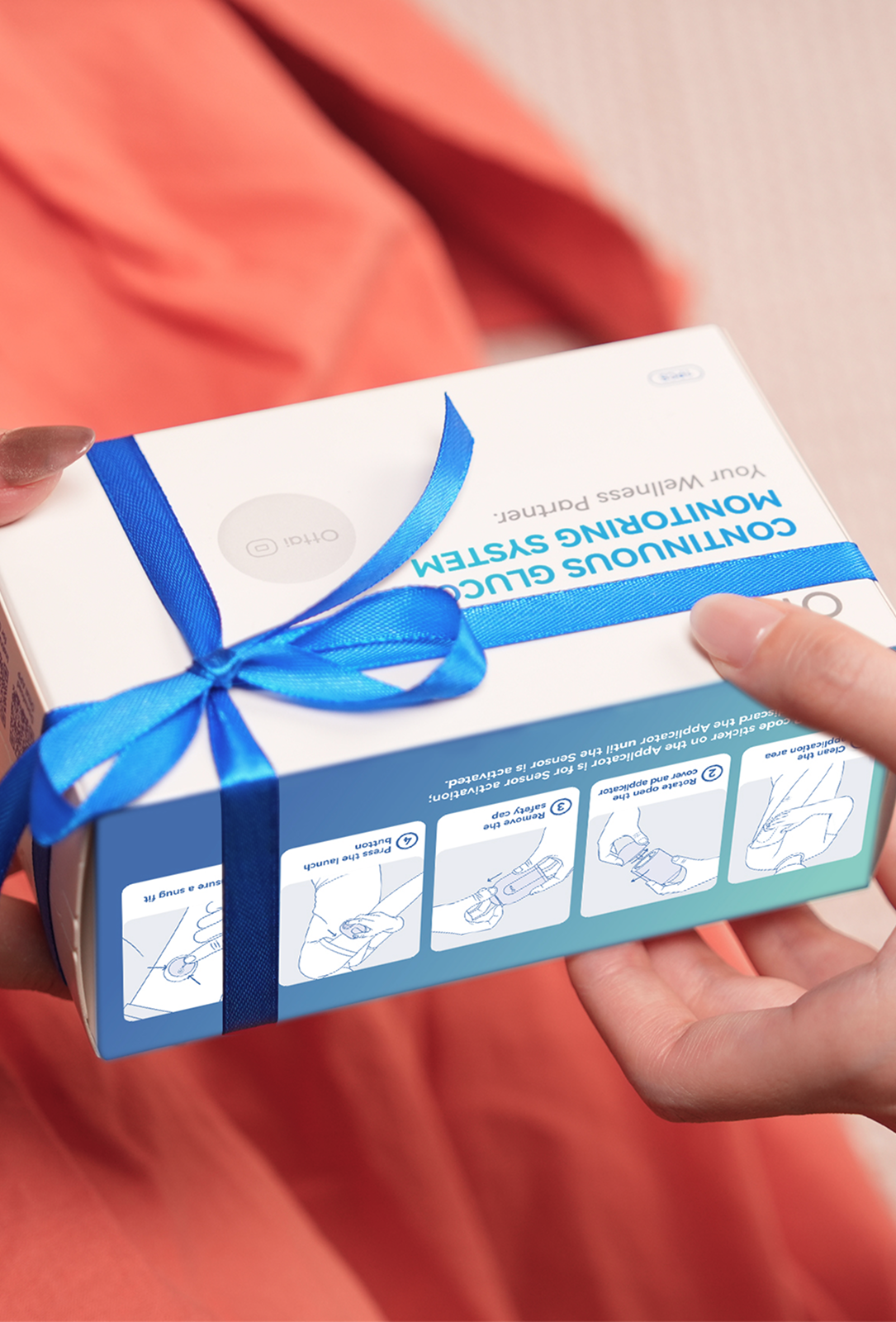
Ottai’s application guide recommends the back of the upper arm. Avoid scars, moles, lumps and insulin injection sites, and always follow the instructions supplied with your specific product.
Before applying the sensor, clean the area with an alcohol pad and let it dry completely. Take a moment to check that the skin is dry before proceeding. After application, gently press the adhesive around the sensor so it lies firmly against the skin, including around the edges.
The exact point you choose within the recommended upper-arm area should suit how your arm rests and moves. Check that the whole adhesive patch lies flat when your arm is relaxed. Then consider normal movements, such as reaching forward or lifting your arm, and whether they create pulling or rubbing around the sensor. These checks can help you assess the comfort and fit of the chosen position during everyday movement.
Think about how the position works with your daily routine. Can you put on a shirt without catching the sensor? Will a bag strap or a fitted sleeve rub against it? At your next application, rotate to another suitable site as directed by the product instructions.
Consider pressure, especially during sleep
Sleeping directly on a sensor can sometimes cause a falsely low reading. Research on interstitial glucose sensors has linked pressure during sleep with sudden drops in reported glucose values. In that study, some readings moved back toward those of the other sensors after participants changed position and relieved the pressure.
Within the recommended application area, choose a position less likely to be pressed against bedding or tight clothing. Consider your usual sleeping position and where your upper arm rests when you lie on your side.
If unexpected dips repeatedly occur overnight, note the timing, your sleeping position and whether anything was pressing on the sensor. These observations can help you describe the pattern, but they cannot establish the cause on their own.
Check unexpected readings
If unexpected readings continue, or the sensor shifts or starts to lift, contact Ottai support. Share when the issue began, the sensor readings, any meter readings taken around the same time, and what you noticed about the application site. Mention any rubbing, pressure or lifting of the adhesive. These details can help support assess the issue and advise on the next steps.
- Ottai. CGM User Guide. Guidance on application site, skin preparation and securing the sensor.
- Mensh, B. D., Wisniewski, N. A., Neil, B. M., & Burnett, D. R. (2013). Susceptibility of Interstitial Continuous Glucose Monitor Performance to Sleeping Position. Journal of Diabetes Science and Technology, 7(4), 863–870.
- National Institute of Diabetes and Digestive and Kidney Diseases (NIDDK). Continuous Glucose Monitoring. An overview of how CGM works and when readings may need to be checked with a blood glucose meter.