What Is a CGM? How Continuous Glucose Monitoring Works
Continuous glucose monitors, or CGMs, make glucose easier to see. Instead of checking one moment with a finger-prick test, a CGM tracks glucose throughout the day and night. It shows your current reading, the direction it is moving, and patterns linked with food, activity, sleep, stress, and medication.
This guide explains how CGMs work, what their numbers mean, and how they differ from blood glucose meters. It also answers the questions people ask most often before choosing or wearing one. If you use insulin, are pregnant, or plan to change your diabetes treatment, make decisions with your healthcare professional.
Key takeaways
- A CGM estimates glucose every few minutes through a small sensor worn on the body.
- Trend arrows and graphs provide more context than a single reading.
- Features, wear time, phone compatibility, watch connection, and cost vary by system.
- CGM data supports decisions, but it does not diagnose diabetes on its own.
What is a CGM?
A CGM is a wearable device that estimates glucose every few minutes, day and night. The US National Institute of Diabetes and Digestive and Kidney Diseases describes it as a system that automatically tracks glucose over time, rather than providing only one measurement
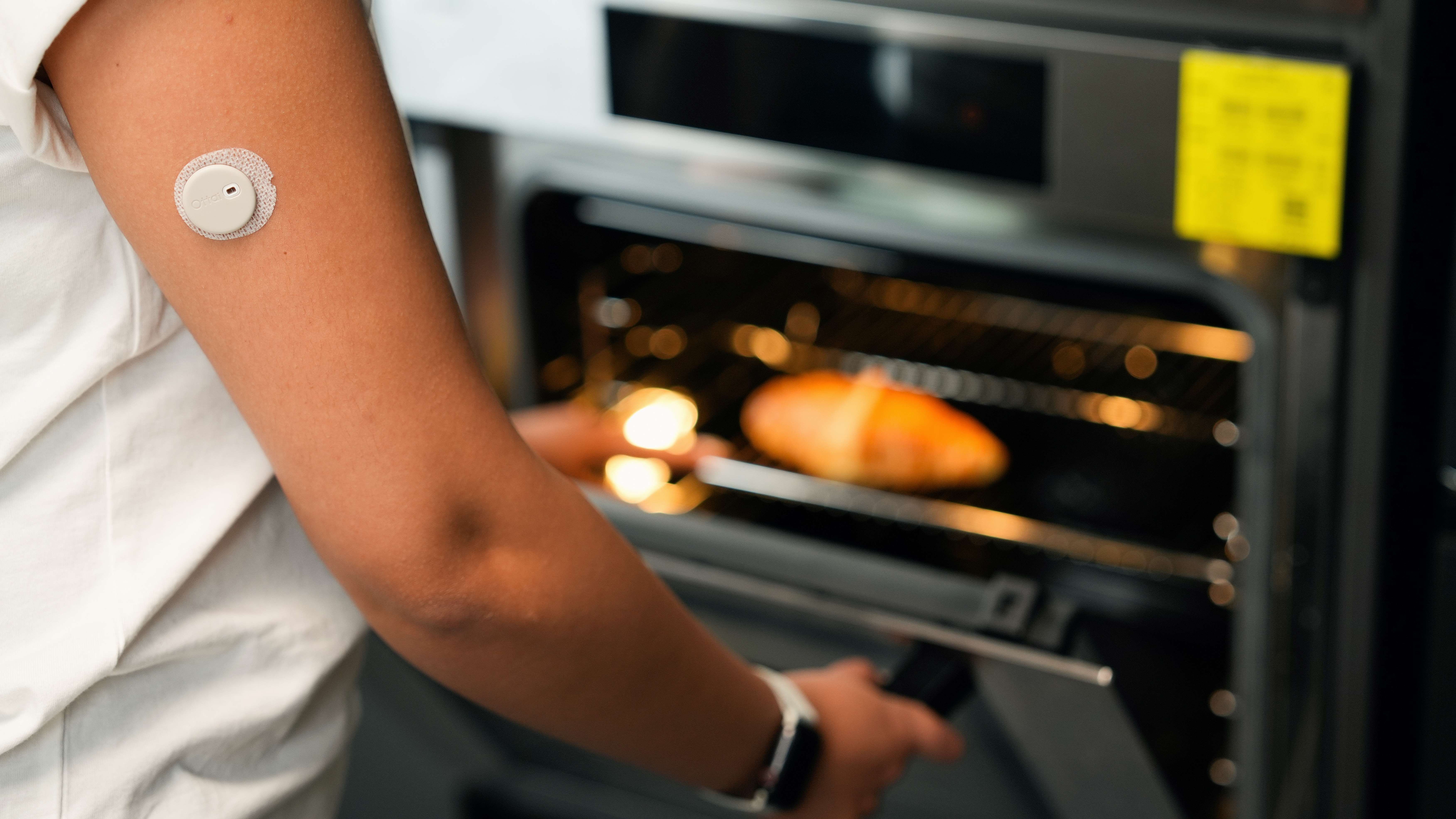
CGM stands for continuous glucose monitor. A small sensor sits just under the skin and measures glucose in interstitial fluid, the fluid between your cells. It then sends the result wirelessly to a compatible phone, receiver, insulin pump, or watch, depending on the system.
Most CGMs show three things:
- Your current glucose level, usually displayed in mmol/L in New Zealand
- A trend arrow showing whether glucose is steady, rising, or falling
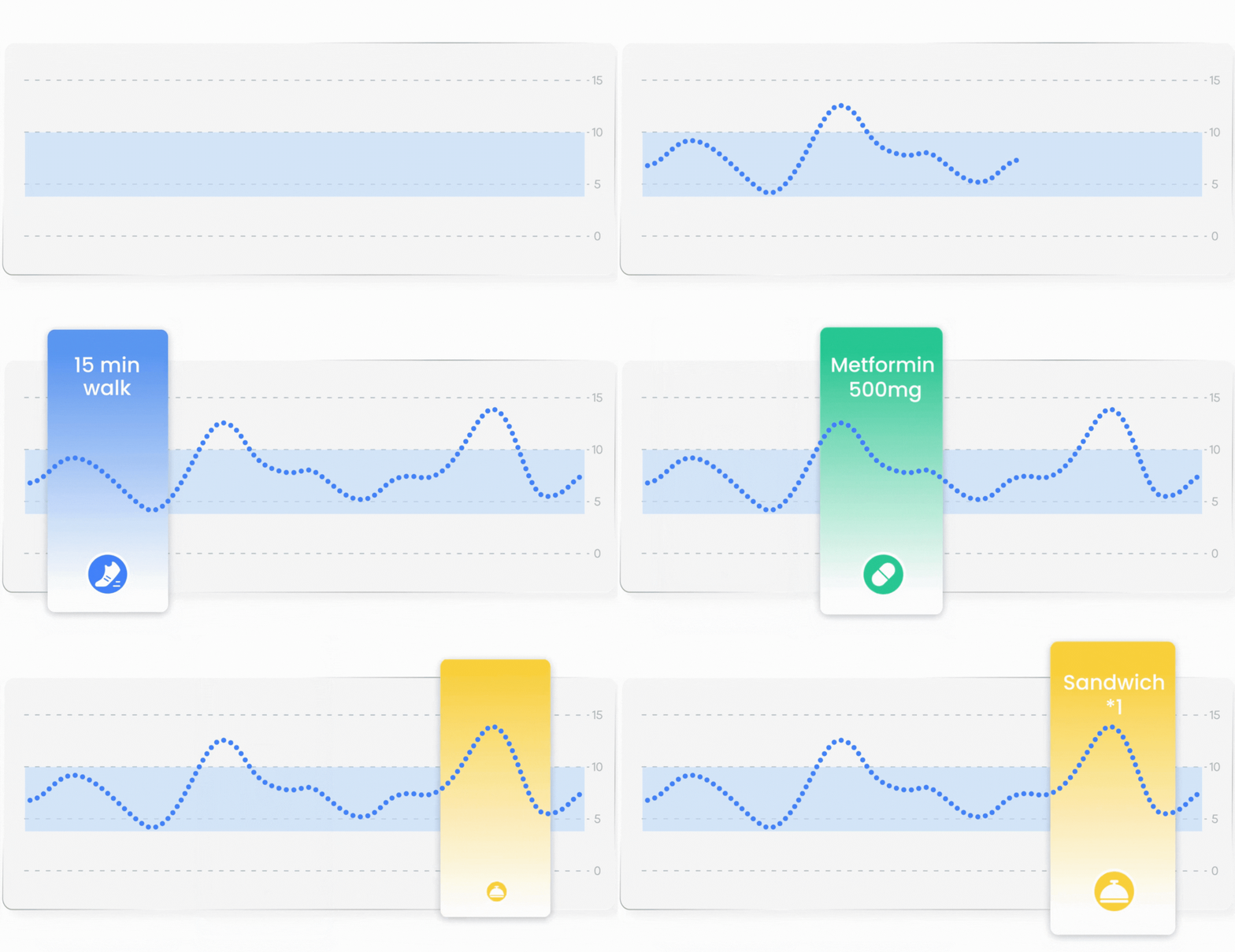
- A graph showing how glucose has changed over recent hours or days
This extra context helps you notice patterns that a single finger-prick reading can miss.
How does a CGM work?
CGM systems can collect data across all 24 hours of the day, including during meals, exercise, sleep, and stressful moments. The sensor measures interstitial glucose, not glucose directly from a drop of blood. The two usually move in the same direction, but they may not match exactly at every moment. Watch the video to learn who CGM actually works.
What can a CGM tell you?
The American Diabetes Association highlights three main CGM measures: time in range, time above range, and time below range. A CGM can help you explore questions such as:
- What happens to glucose after a particular meal?
- Does a walk after eating change the pattern?
- Are overnight readings steady or frequently low?
- How do stress, illness, sleep, or medication affect the day?
The most useful signal is often the pattern, not one isolated number. Notes about meals, exercise, symptoms, or medication can make that pattern easier to understand.
Who may benefit from using a CGM?
A continuous glucose monitor can benefit people who need a clearer picture of their glucose throughout the day. Its strongest established role is in diabetes management, especially for people using insulin.
People with type 1 diabetes or insulin-treated type 2 diabetes can use glucose trends to support daily treatment decisions. Compatible systems can alert users when glucose rises or falls outside set limits, helping them identify changes that a single finger-prick test might miss. CGM can also reduce the need for routine finger-prick checks, although confirmation is still needed in some situations.
People with type 2 diabetes who do not use insulin may benefit when CGM forms part of an individual care plan. Seeing patterns around meals, activity and medication can support conversations with their healthcare professional and help guide practical changes.
People without diabetes who want to understand their glucose responses may use a suitable consumer CGM to explore everyday habits. However, evidence that CGM improves long-term health in this group remains limited. It should not be used alone to diagnose diabetes or judge whether a food is “good” or “bad.”
The main benefit is useful context: understanding repeated patterns, connecting them with daily choices, and deciding what to do next with appropriate guidance.
CGM vs. finger-prick testing
CGMs and finger-prick meters measure glucose in different fluids. Their readings can differ without either device being faulty. A CGM adds direction and history; a meter remains useful when a blood glucose check is needed.
It is worth mentioning that CGM readings may differ from blood glucose meter (BGM) readings during the first 24–48 hours after inserting a new sensor. Early-wear differences vary by device and person; this does not mean every sensor is inaccurate for that entire period.
If readings do not match how you feel, check with a finger-prick meter and follow your device instructions and care plan. Do not dismiss a possible low or high glucose episode as a settling-in issue.
What should you look for when choosing a CGM?
Professional CGM sensors are commonly worn for 7 to 14 days, while personal systems vary by model and market. Wear time is only one part of the decision. The ADA recommends matching diabetes technology to a person's circumstances, preferences, and treatment needs.
Compare these practical features before choosing:
- Wear time and comfort: Check sensor size, approved placement, adhesive, and replacement schedule.
- Warm-up and alerts: Compare how soon readings start and whether alerts can be customised.
- Phone compatibility: Confirm your exact phone model and operating system are supported.
- Watch connection: Check whether the CGM connects directly to a watch or only mirrors data from a nearby phone.
- Easy logging: Voice logging and food-image calorie estimates can make daily context faster to capture.
- Useful insights: Look for clear summaries that turn glucose patterns into healthier habits without overwhelming you.
- Cost and funding: Compare the full ongoing cost, not only the price of the first sensor.
Common CGM questions
Most CGM concerns fall into 5 practical areas: accuracy, differences from finger-prick readings, sensor adhesion, unexpected overnight values, and device connectivity. Understanding these issues before applying the first sensor makes troubleshooting easier and helps you judge readings in context rather than reacting to one number.
Is a CGM accurate?
Modern CGMs are designed to track glucose trends throughout the day, but no sensor is 100% exact at every moment. Accuracy can be affected by rapid glucose changes, pressure on the sensor, insertion time, or device issues. Use the trend and follow the product instructions when symptoms and readings disagree. One measurement to measure a CGM's accuracy is MARD (Mean Absolute Relative Difference). Lower the number, higher the accuracy. For example, freestyle libre has an MARD of 9.2% for adult, while Ottai CGM has an MARD of 8.11%, meaning Ottai CGM is generally more accurate under specific conditions.
Does a CGM replace finger-prick testing?
Not in every situation. A CGM provides an estimate every few minutes, while a meter checks capillary blood at a specific moment. Some CGMs are approved for treatment decisions, but a finger-prick check may still be needed when symptoms do not match, glucose changes quickly, or the system requests confirmation.
Why is my CGM reading different from my blood glucose meter?
CGM and meter values come from 2 different places: interstitial fluid and capillary blood. Interstitial readings can follow blood glucose by several minutes, so the gap may be larger after food, insulin, or exercise. Compare the direction of change and follow your device guidance before making a treatment decision.
Why does my CGM sometimes show a low reading overnight?
Pressure on a sensor while sleeping can sometimes create an unexpectedly low value, often called a compression low. If the number does not match your symptoms or usual pattern, change position, allow time for the reading to recover, and confirm as directed.
What should I do if the sensor starts peeling off?
Sensors may be worn for roughly 10 to 15 days, depending on the brand. Apply to clean, dry skin and follow the approved placement instructions. If the adhesive lifts, use a compatible overpatch or tape method recommended by the manufacturer, and contact support if the sensor fails early. To prevent sensor falling off, check our blog: How to Keep Your CGM On for a Full 14 Days: A Friendly Guide
Why has my CGM disconnected from my phone or watch?
Bluetooth range, battery settings, app permissions, phone updates, and compatibility can interrupt a connection. Keep the receiving device nearby, confirm Bluetooth is on, and check that the app can run in the background. For direct watch use, verify that both the watch model and software version are supported.
The bottom line
A CGM turns glucose from a single number into a moving picture. It can show direction, patterns, and time in range, helping users and healthcare professionals make more informed decisions. The best CGM is not simply the one with the longest feature list. It is the system that fits your body, phone or watch, budget, treatment needs, and daily routine.
If a direct watch connection, quick voice logging, food-photo calorie estimates, and personalised AI insights would make glucose data easier to use, explore whether Ottai CGM fits your needs. Always check compatibility, approved use, and medical guidance before making treatment decisions.
Centers for Disease Control and Prevention (CDC). Continuous Glucose Monitors.
CGMs vs. BGMs: Comparing Interstitial Fluid and Blood Glucose Readings.
Dexcom. What Should I Do If My Sensor Reading and Blood Glucose Value Don’t Match?
Calibration Period: The First 24–48 Hours of Your Biosensor.
Diabetes UK. How to Check Your Blood Sugar Levels.
Freestyle libre 2 user guide